9 Context, instructions, and cost

The context window is everything sent to the model for the next turn. It can include your prompt; system, harness, and project instructions; loaded skills; tool schemas; earlier messages; and tool results or selected file content. All of these use space. Unfocused reads cost time and money and can bury the useful detail.
Search for what you need. Inspect schemas before data. Use reproducible scripts instead of pasting whole datasets or codebases. Keep decisions in a project log because compaction (shortening earlier context) can lose details.
9.1 Inspect what is using context
Current products expose different views. Claude Code’s /context and Antigravity’s /context show a context-usage breakdown. Codex shows totals and context use in its footer, but has no native composition breakdown; issue #27898 requests one.
The workshop image includes the alpha opencode-context-dashboard plugin in compact sidebar mode. It reads OpenCode’s local TUI state and estimates how context is divided among tools, assistant text, user text, and reasoning without making another model request. Its categorisation heuristics and provider compatibility are still under active testing; treat the display as a diagnostic estimate, not an accounting record. Use /context-mode to change or hide it and /context-placement to change where it appears.
9.2 Provider cache is not session history
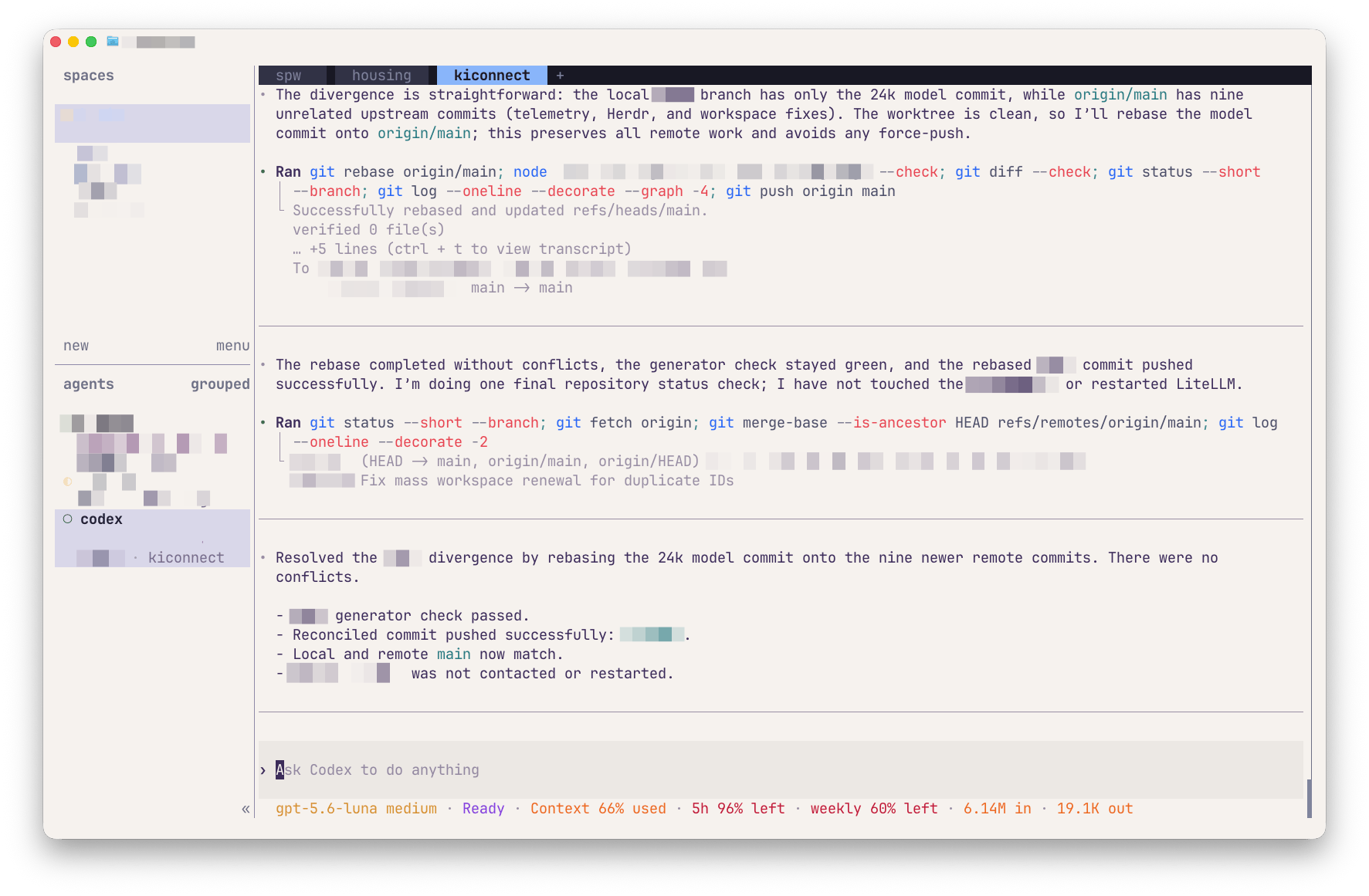
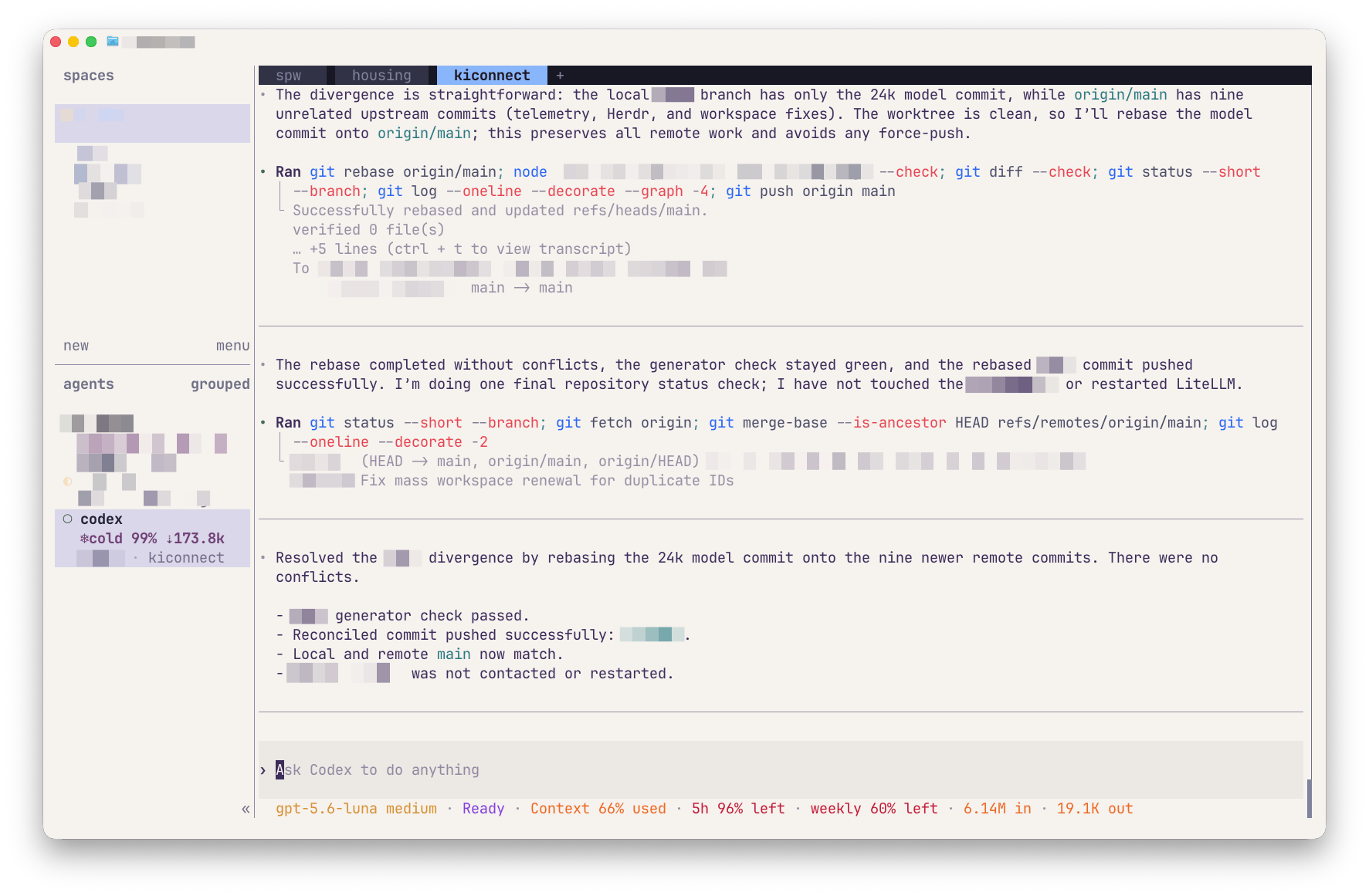
A provider may reuse an unchanged prefix of a request instead of processing it from scratch. A hot or warm prompt cache means that prefix is still reusable; a cold cache means it is not. This is provider-side request processing. It is separate from conversation or session history saved locally by a harness so that you can reopen a chat.
Continue a session while the task and its relevant context remain coherent. Start fresh after a clear task boundary, when irrelevant history dominates, or when a reliable handoff records what matters. Continuing may retain a cached prefix, but it also resends more context. Restarting sends less context, but the first request may be cold. Cache state is only one consideration: correctness, clarity, and recoverability come first.
9.3 Status lines and optional cache displays
Claude Code and Antigravity can run custom status-line scripts. You can ask the harness to create one, but inspect both the script and the settings change before enabling it.
Codex supports an ordered built-in tui.status_line. It does not currently offer the cache-hit item requested in issue #43615. For an optional cache view across several harnesses, run Codex inside Herdr with herdr-cache-hit; see its live showcase.
For OpenAI models in OpenCode, either use Codex inside Herdr or authenticate a ChatGPT Plus/Pro account in OpenCode as described in the OpenAI provider instructions, then use opencode-cache-hit. opencode-visual-cache is another optional cache display, not a claimed /context-style composition view. The workshop image preinstalls the Herdr and OpenCode cache displays; they remain unobtrusive until a supported authenticated provider reports cache metadata.
9.4 Try it now: observable context (3–8 minutes)
Ask the agent which project instructions and tools it can observe. Mark each answer as observed, documented, or inferred, then check the files and help output. Do not ask it to reveal hidden provider prompts or upload a private project.
Choose the model and effort level for the task. Consider quality, context length, speed, and cost. You can also check for unnecessary reads, repeated tool calls, and tasks that would be cheaper to split.
From the workshop repository root, create one bounded, invented text file:
mkdir -p exercises/.context-practice
awk 'BEGIN { for (i=1; i<=200; i++) { if (i==137) print "record=137 | field=income_imp | rule=1 when income was imputed"; else printf "record=%03d | field=practice_%03d | rule=synthetic placeholder\n", i, i } }' > exercises/.context-practice/panel-notes.txt
wc -l exercises/.context-practice/panel-notes.txt
In one fresh agent session, ask: Read exercises/.context-practice/panel-notes.txt and explain the rule for income_imp. Observe whether it reads broadly, how much tool output enters the conversation, and the context estimate if your interface provides one.
Start another fresh session in the same project and ask: Search exercises/.context-practice/panel-notes.txt for income_imp, inspect only the matching line and nearby lines, then explain that rule. Compare the file/search calls, returned text, time, and context display. Tool-call history and context estimates are useful evidence, but reasoning traces are signals—not faithful audit logs.
Remove only the disposable folder when finished:
rm -rf exercises/.context-practice
git status --short
The second prompt is not automatically better in every task. The point is to make inspection scope explicit, observe what the agent actually does, and keep only the evidence needed for the decision.
Token estimates and quotas differ by product and route. Check the current provider dashboard and harness documentation.
9.5 Further reading
- Lost in the Middle — Controlled evidence that relevant information can be used less reliably inside long contexts; it supports careful curation without inventing a universal fullness threshold.
- Effective context engineering for AI agents — Practical patterns for just-in-time retrieval, compact notes, compaction, and scoped tools; treat them as vendor experience rather than cost guarantees.