3 Choose an agent

Use OpenCode for the workshop. Its terminal shows what the agent reads, edits, runs, and asks you to approve.
3.1 Start OpenCode
From the repository root, enter the lab folder and launch OpenCode:
cd exercises/lab-01-first-contact
opencode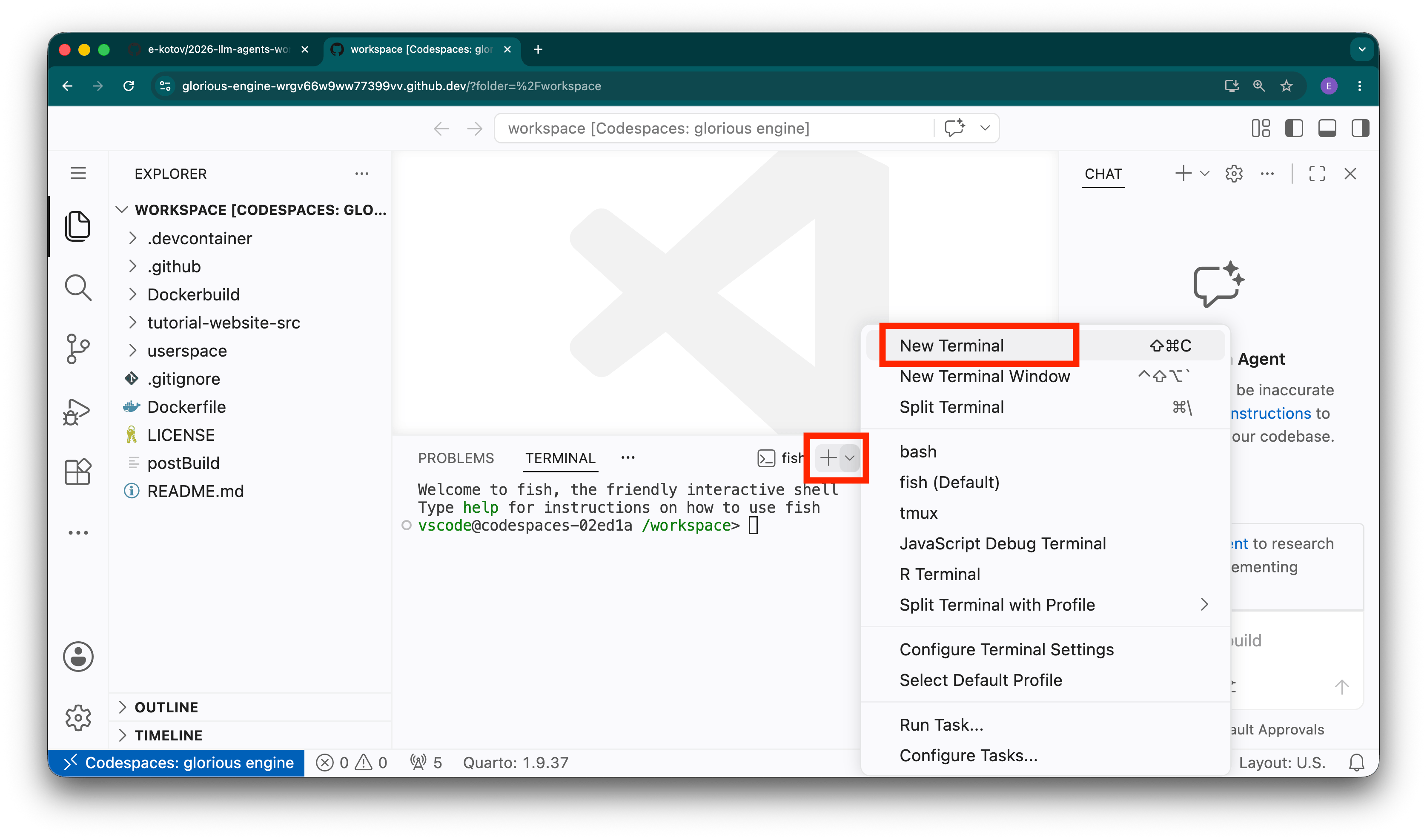
First ask which instruction files and skills OpenCode loaded, without letting it edit anything. Check its answer against the files on disk.
After you have seen ordinary approval prompts, the labs may ask you to use opencode --auto in this disposable Codespace. It auto-approves permissions that are not explicitly denied. For a non-interactive prompt, use opencode run --auto "<quoted prompt>". Check the OpenCode documentation if the interface or commands differ.
3.2 Stop or leave a session
If OpenCode starts the wrong operation, press Esc to interrupt the current response or tool run. Read what changed with git diff before continuing; interruption does not undo completed edits or commands. To leave normally, type /exit (aliases: /quit and /q). The default keyboard shortcut is Ctrl+X, then Q. These controls are documented in the OpenCode keybind reference and TUI command reference.
3.3 Optional comparisons
- Antigravity is Google’s agent workbench. It has its own project rules and sandbox settings.
- Codex is OpenAI’s coding agent. See the Codex guide.
- Claude Code is Anthropic’s terminal agent. See the Claude Code documentation.
Their instruction precedence, hooks/plugins, skills, permissions, model routes, and automatic modes differ. For example, each agent may treat AGENTS.md differently.
3.4 Further reading
- OpenCode documentation — The current reference for the supported workshop harness and its model, tool, and configuration surface.
- Codex documentation — Compare OpenAI’s first-party description instead of assuming that another terminal agent has OpenCode’s controls.
- Claude Code overview — A third first-party comparison that makes the model-versus-harness distinction concrete.